
Price and availability monitoring
Automatically track your competitors’ prices and product availability.
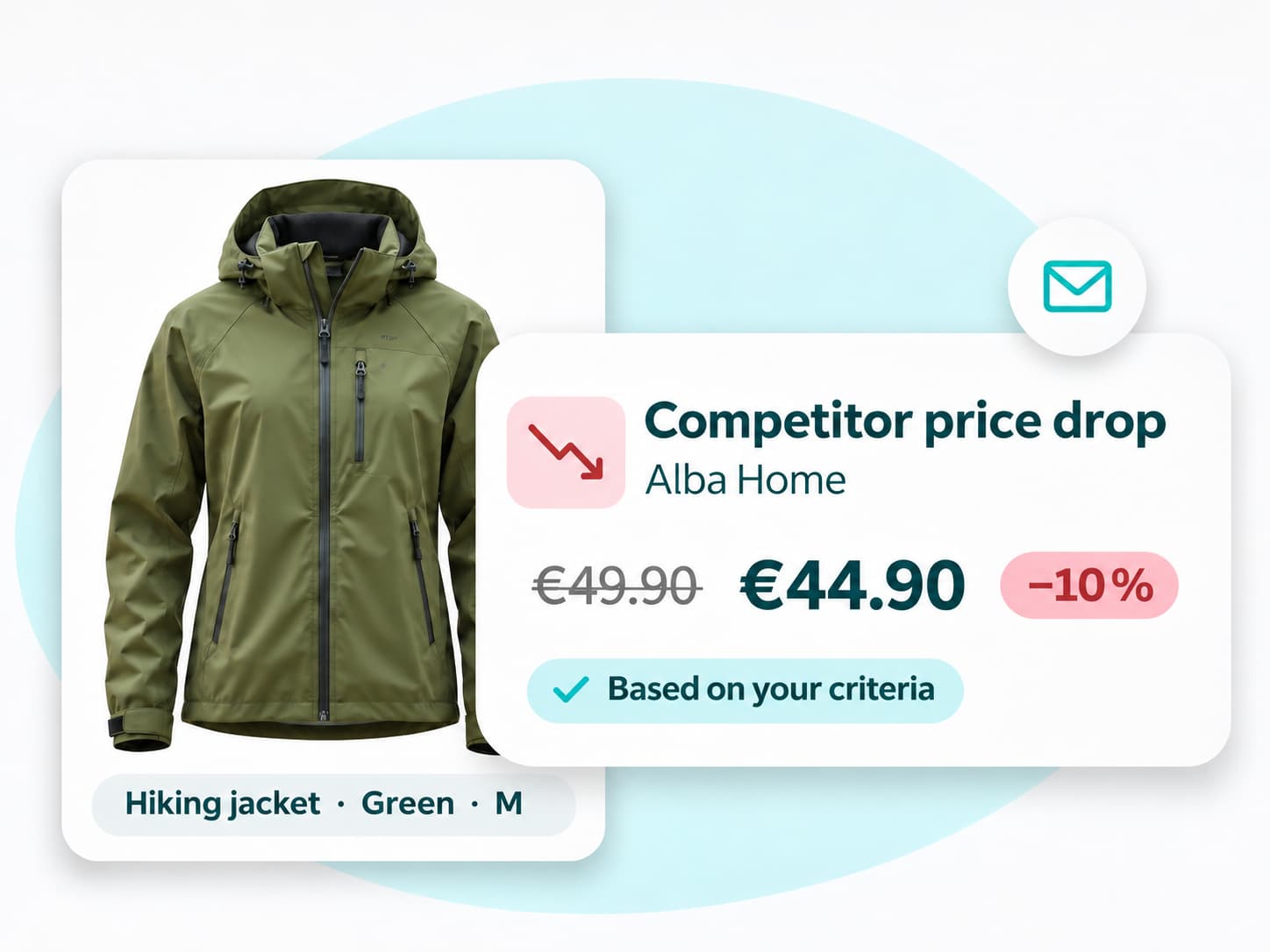
Discover ↗Get notified when a competitor cuts a price, a product comes back in stock or your price positioning changes. Set custom alert rules for the products and stores you monitor.
FOUR TYPES OF ALERTS
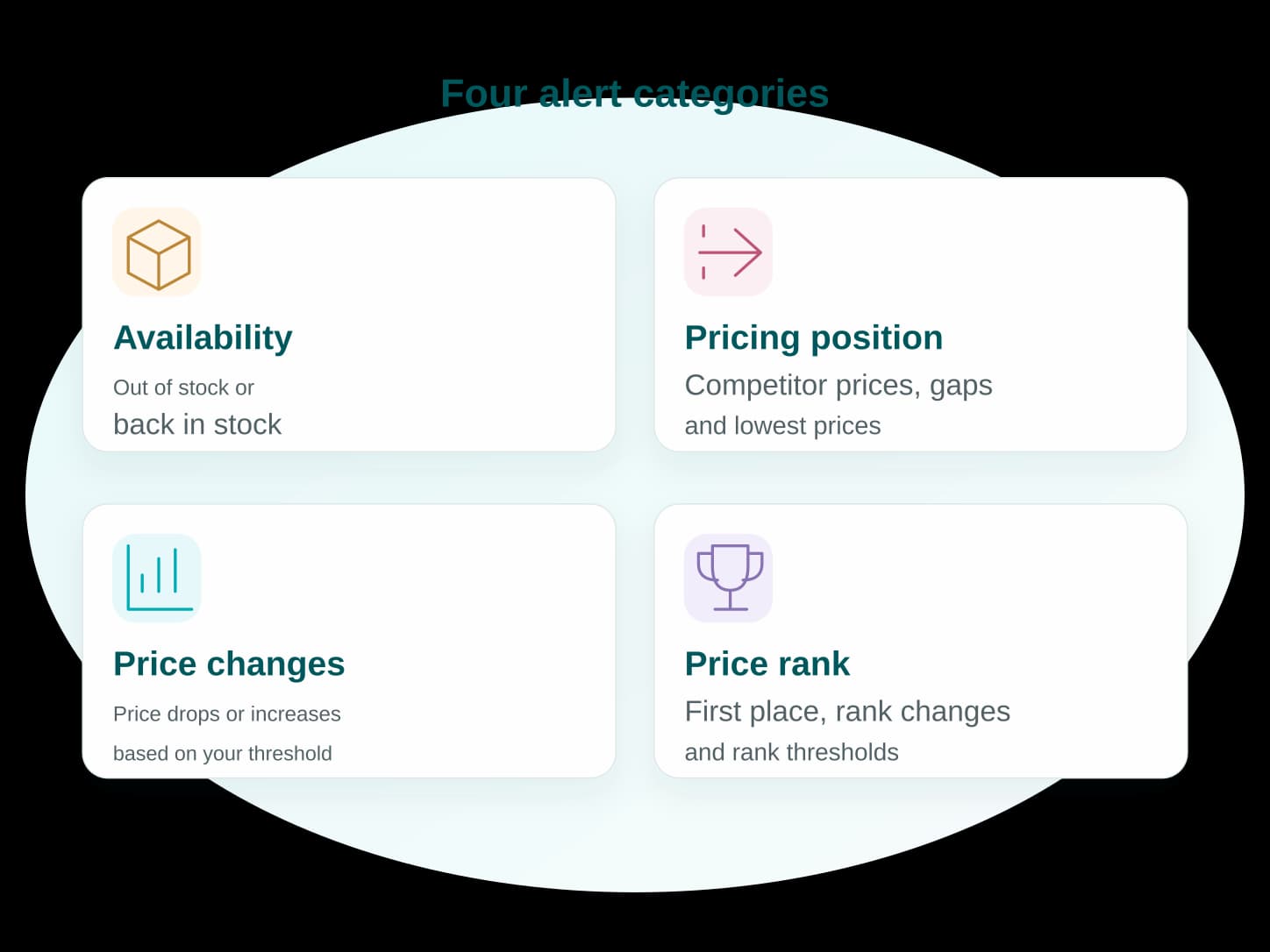
Choose the events that matter to your business, from stock availability and price positioning to price changes and price rank.
Get notified about stockouts, competitor price drops, price gaps that exceed your threshold or changes in your price rank. See when you become the only seller at the lowest price or lose that advantage.
RULES THAT MATCH YOUR PRIORITIES
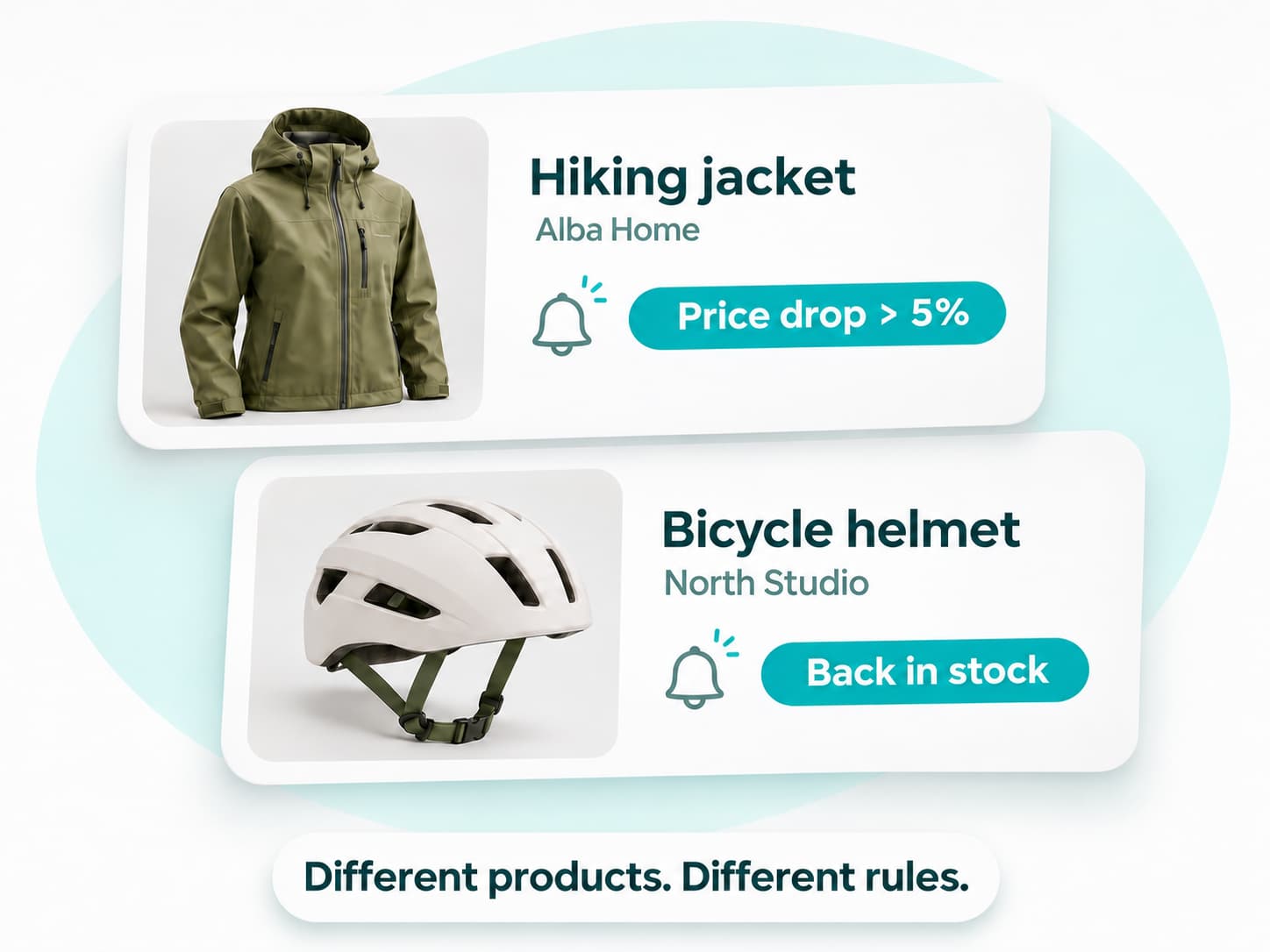
Track price drops for some products and restocks for others. For each rule, choose the event, products and competitors it applies to.
Apply a rule to everything you track or to a specific selection. Edit, duplicate or delete it as your priorities change.
IN PRICESTRATEDGE AND BY EMAIL
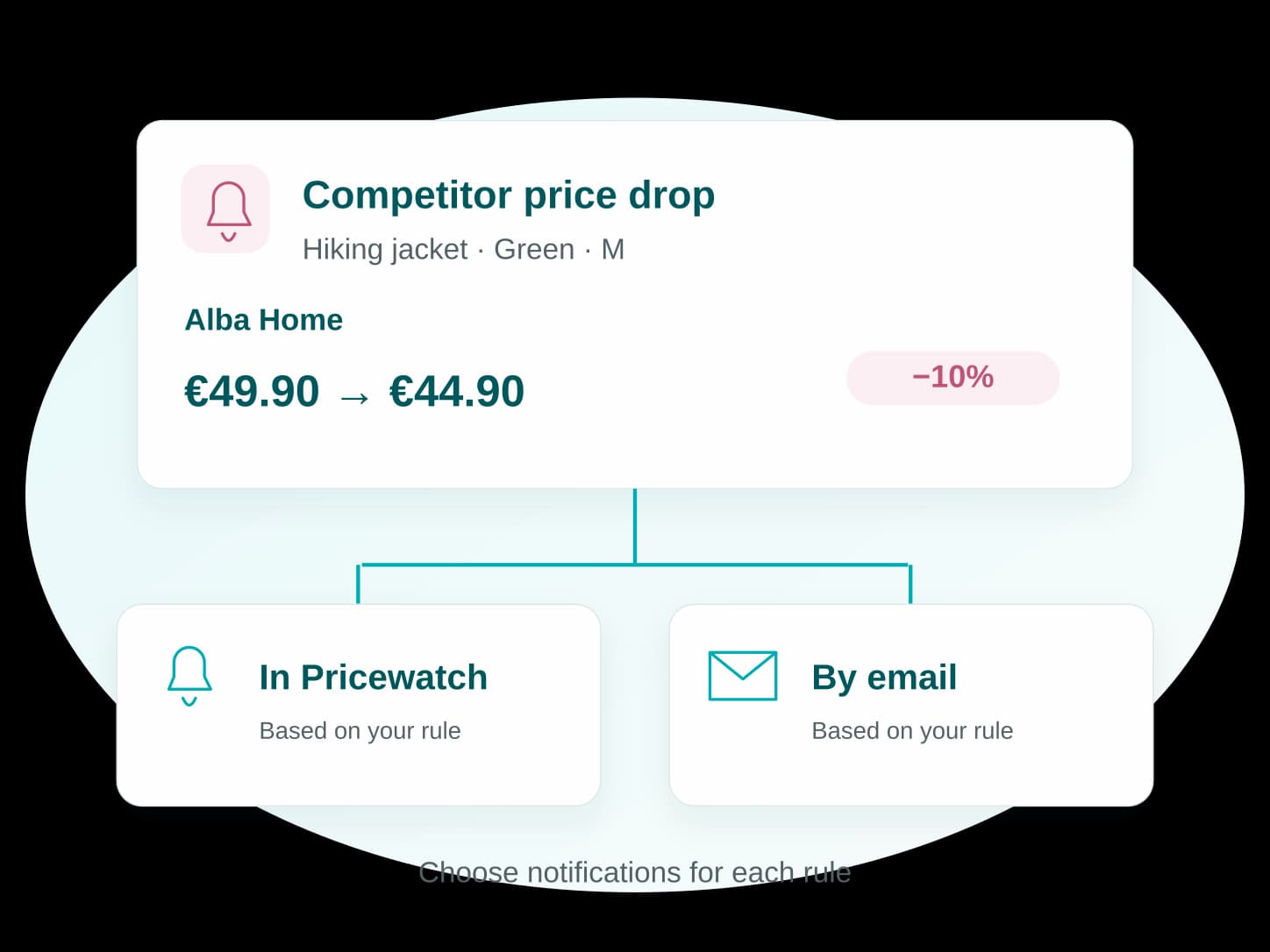
See detected changes in PriceStratedge and turn on email notifications for the rules you want to follow in your inbox.
Each alert identifies the product and competitor so you can check what happened before acting. Your alert rules and alert history are available separately in your workspace.
Yes. Choose the events and thresholds you want to monitor:
View alerts in PriceStratedge and turn on email notifications for the events that matter most.
PriceStratedge checks for changes once, twice or three times a day, depending on your plan. An alert is triggered when a scheduled check finds a change that matches your criteria. Monitoring follows this schedule rather than running in real time.
Yes. Set multiple rules for the same product, with different events, thresholds and groups of competitors.
Yes. For each rule, choose in-app alerts, email notifications or both.
Yes. Edit, duplicate or delete an existing rule from the “Alert rules” section.
MORE TOOLS
Automatically track your competitors’ prices and product availability.
Discover ↗Compare your prices, see how they change and spot gaps with your competitors.
Discover ↗Track key metrics and find the data you need for your analysis.
Discover ↗GET STARTED FOR FREE
Choose the events to monitor and let PriceStratedge notify you when changes are detected.