
AI product matching
Save time with AI that identifies identical products in your competitors’ catalogs.
Discover ↗Set up competitor monitoring without adding each product by hand. Start with a website address or a CSV or Excel file to bring your products and your competitors’ products together.
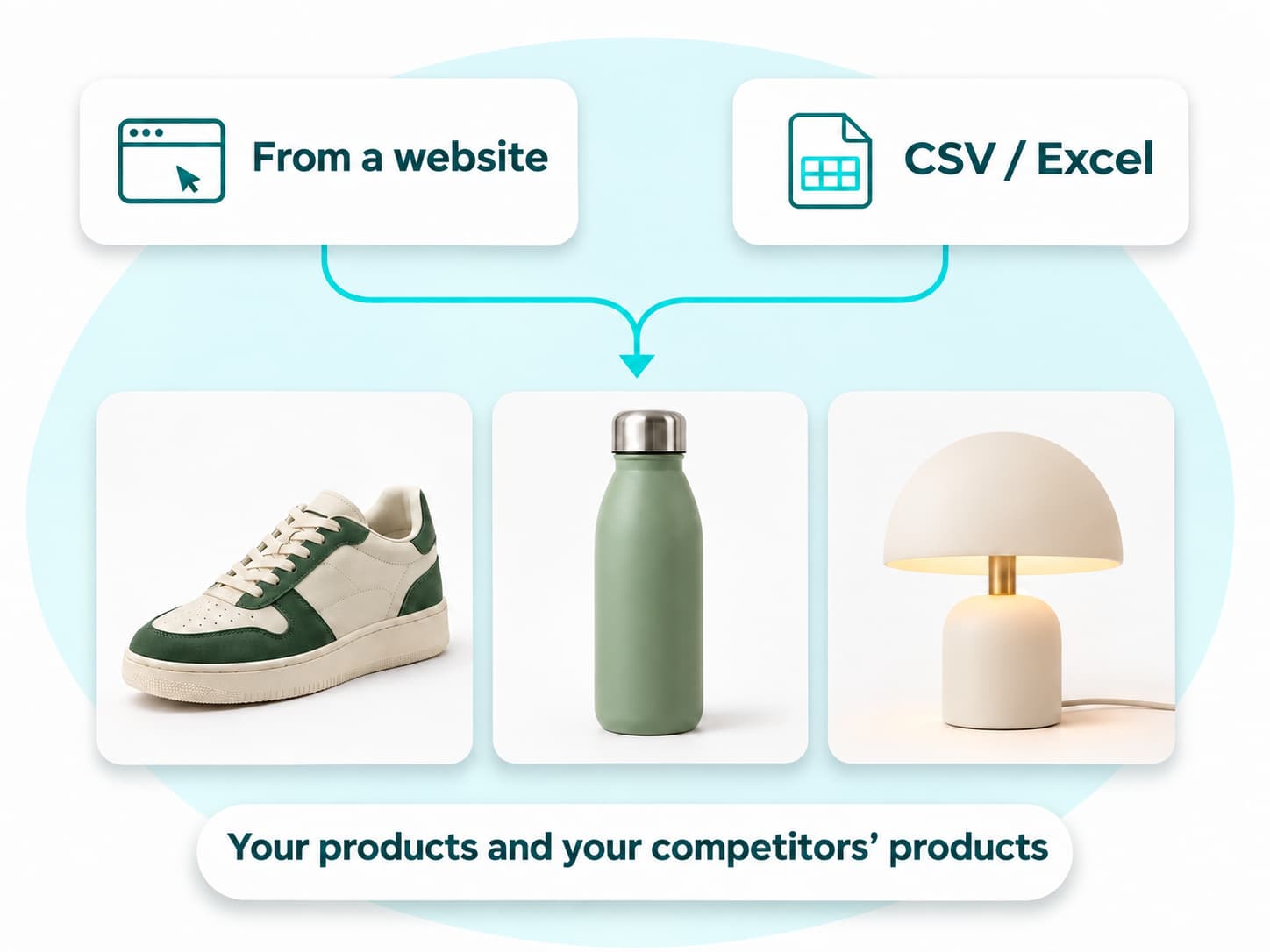
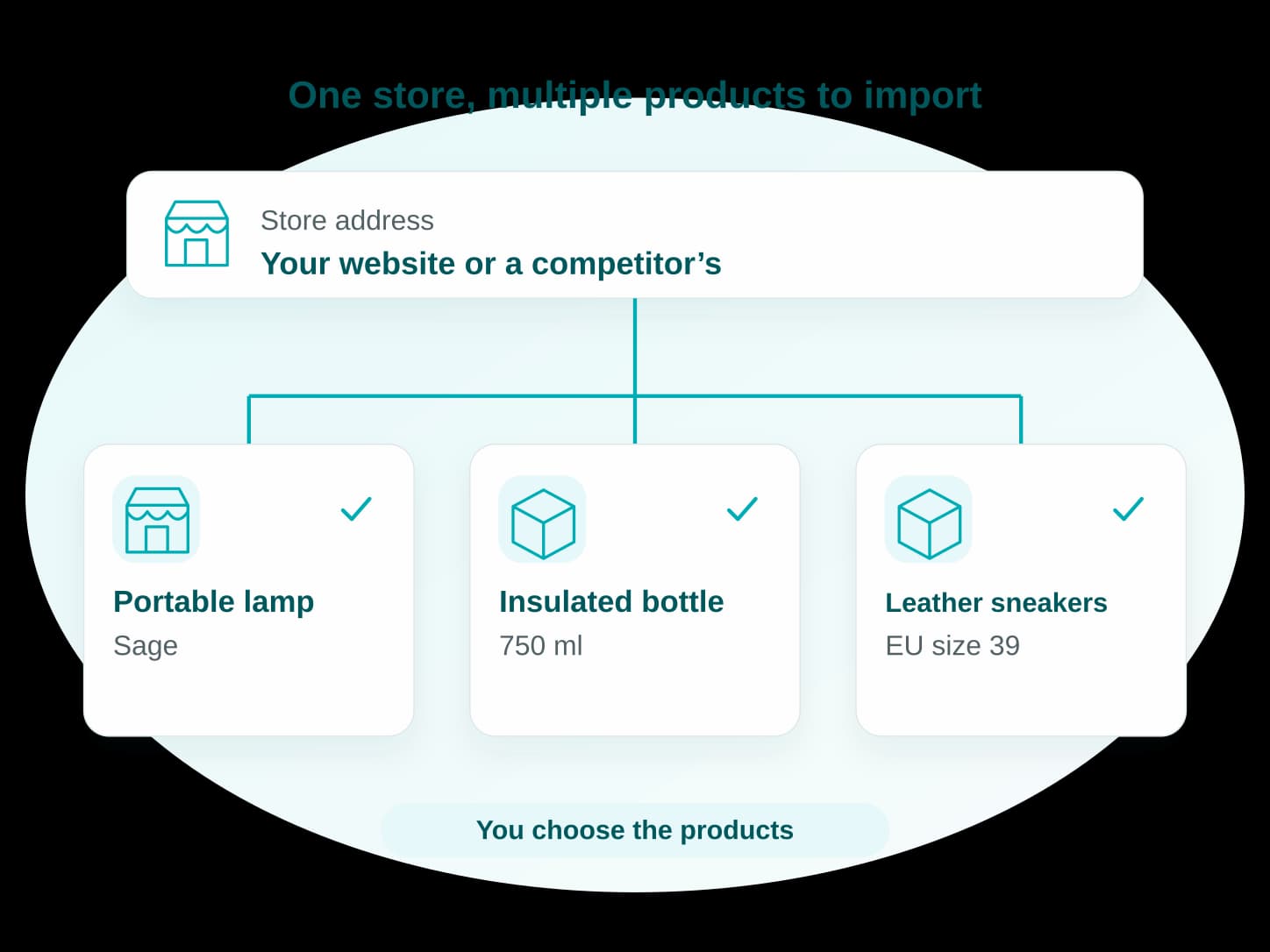
AUTOMATIC PRODUCT IMPORT FROM A WEBSITE
Enter your store’s website address or a competitor’s. PriceStratedge looks for product pages and lets you choose which ones to import.
Skip looking up product links one by one. The same process works for your catalog and the stores you monitor.
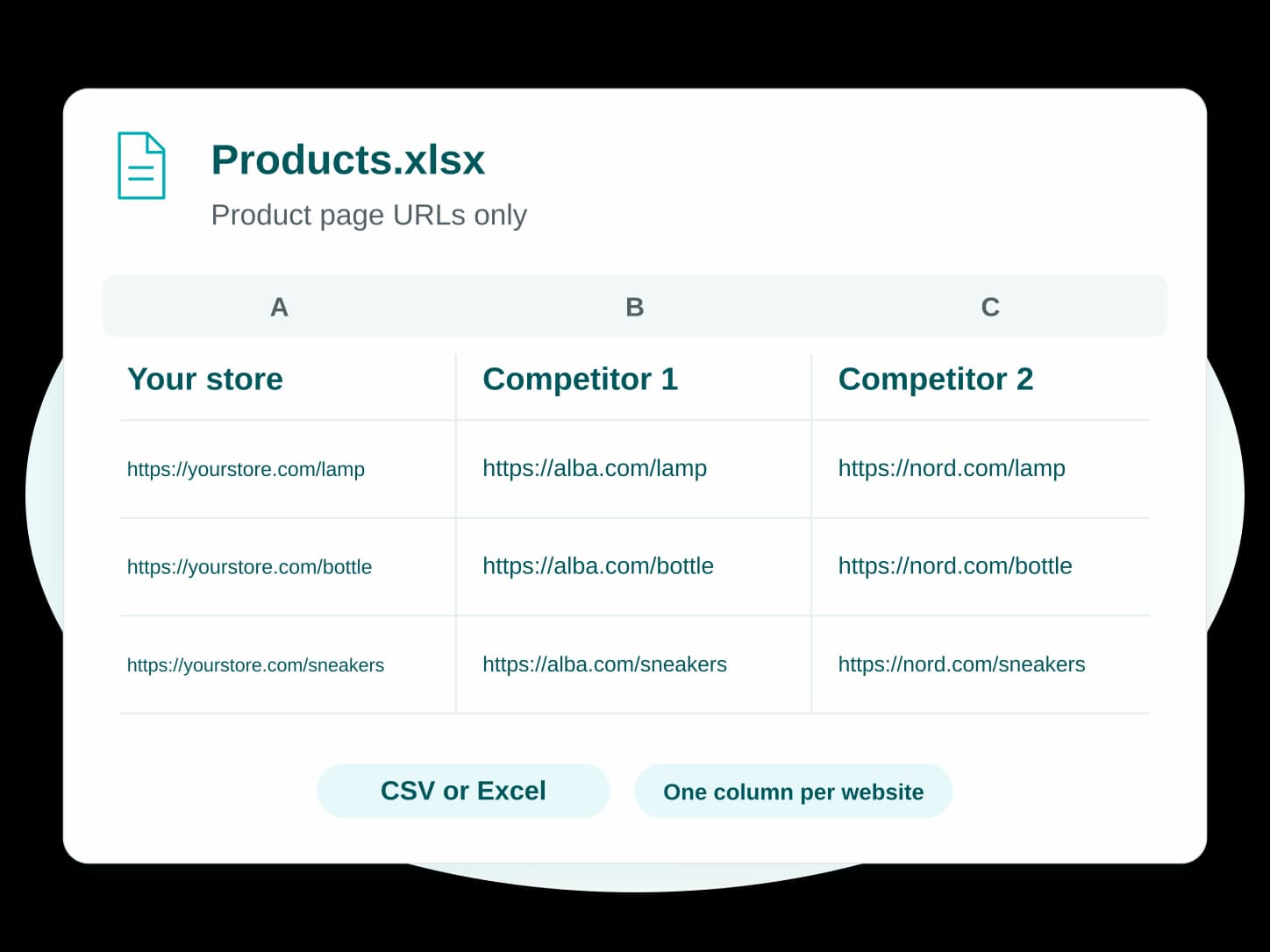
CSV AND EXCEL IMPORT
Put the links to your products and your competitors’ products in a single CSV or Excel file. PriceStratedge adds them to your workspace in one import and automatically assigns each product to the right store.
Save time by adding your entire list in one go. Then match identical products to compare their prices and stock availability.
CHOOSE YOUR PRODUCTS
Choose which products to track instead of importing entire catalogs. Add more as your needs change.
Once PriceStratedge has collected the product details, use AI suggestions or match products manually to start comparing prices and stock availability.
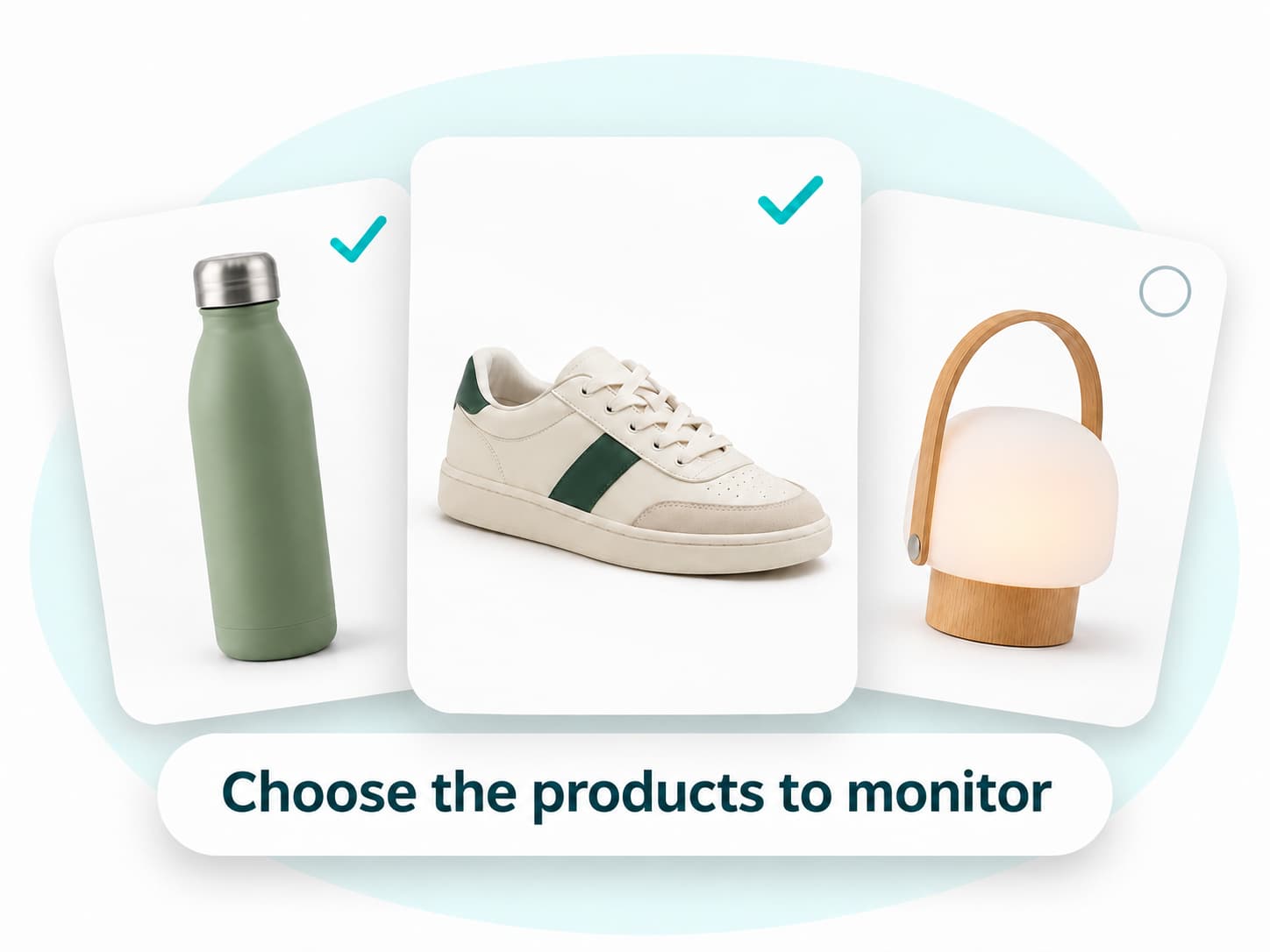
Enter your store’s website address or a competitor’s. PriceStratedge looks for the site’s sitemap, where available, to find product pages to import. A sitemap lists the pages on a website. If PriceStratedge finds several versions of the site, choose the one you want, such as French or English. Then select the products you want to track.
Use a CSV or Excel (XLSX) file with one product page URL per cell. PriceStratedge identifies each store from its website address. The links are enough. You don’t need to enter variants, prices or other product details.
No. Choose the products you want to track so you can focus on the ones that matter to you.
The import adds products to your workspace so PriceStratedge can collect their details. You then match products using AI suggestions or by creating matches manually.
No. PriceStratedge uses the public pages of the stores you track. You don’t need access to their admin panels or an extension.
MORE TOOLS
Save time with AI that identifies identical products in your competitors’ catalogs.
Discover ↗Automatically track your competitors’ prices and product availability.
Discover ↗Compare your prices, see how they change and spot gaps with your competitors.
Discover ↗GET STARTED FOR FREE
Add your products and your competitors’ products to start tracking them.