
DASHBOARD AND REPORTS
See the big picture. Refine your analysis.
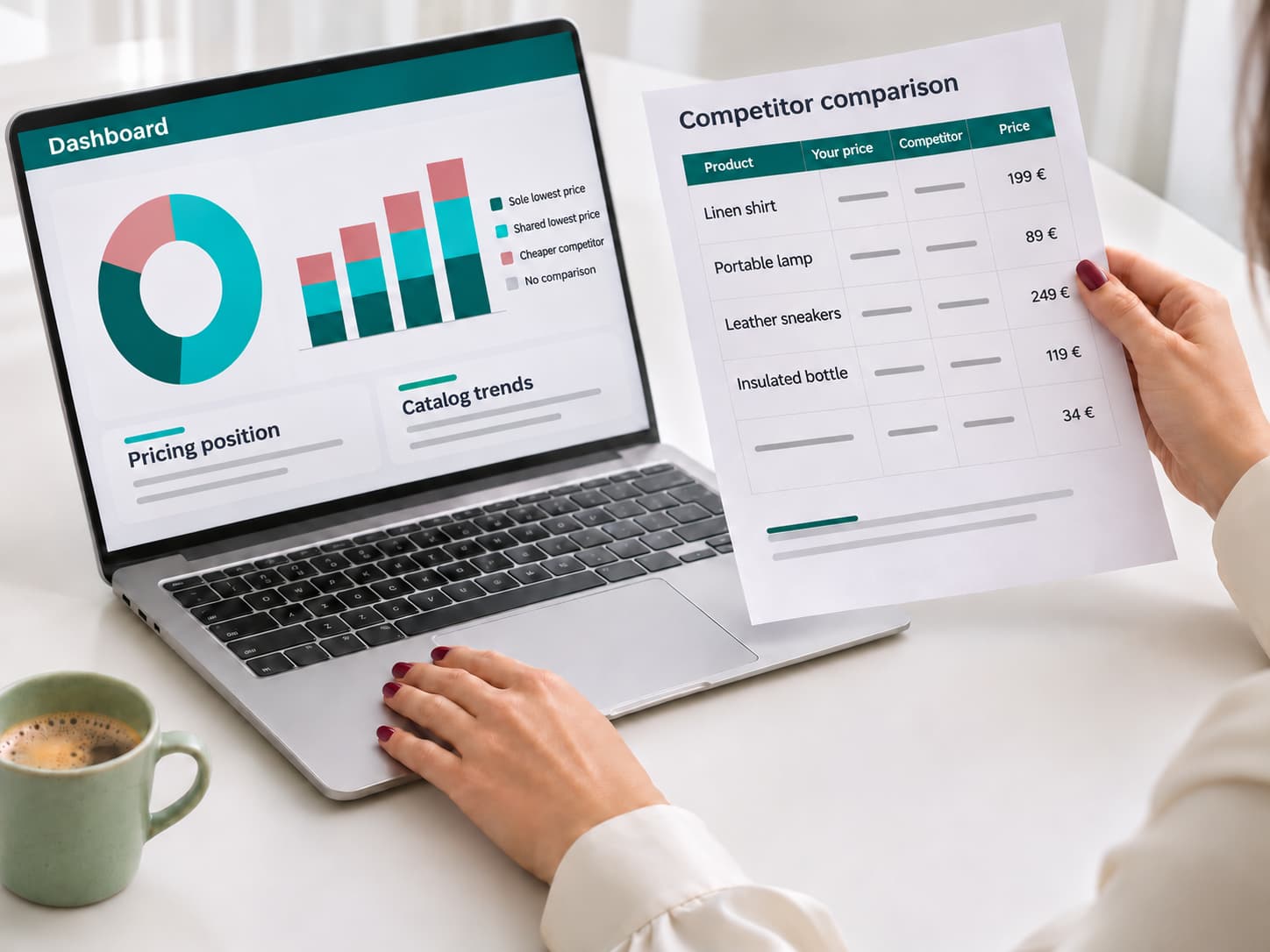
Track key metrics in your dashboard and focus on the data that matters to your business. Customize price and stock availability reports, then share them with your team.
CATALOG METRICS AND TRENDS
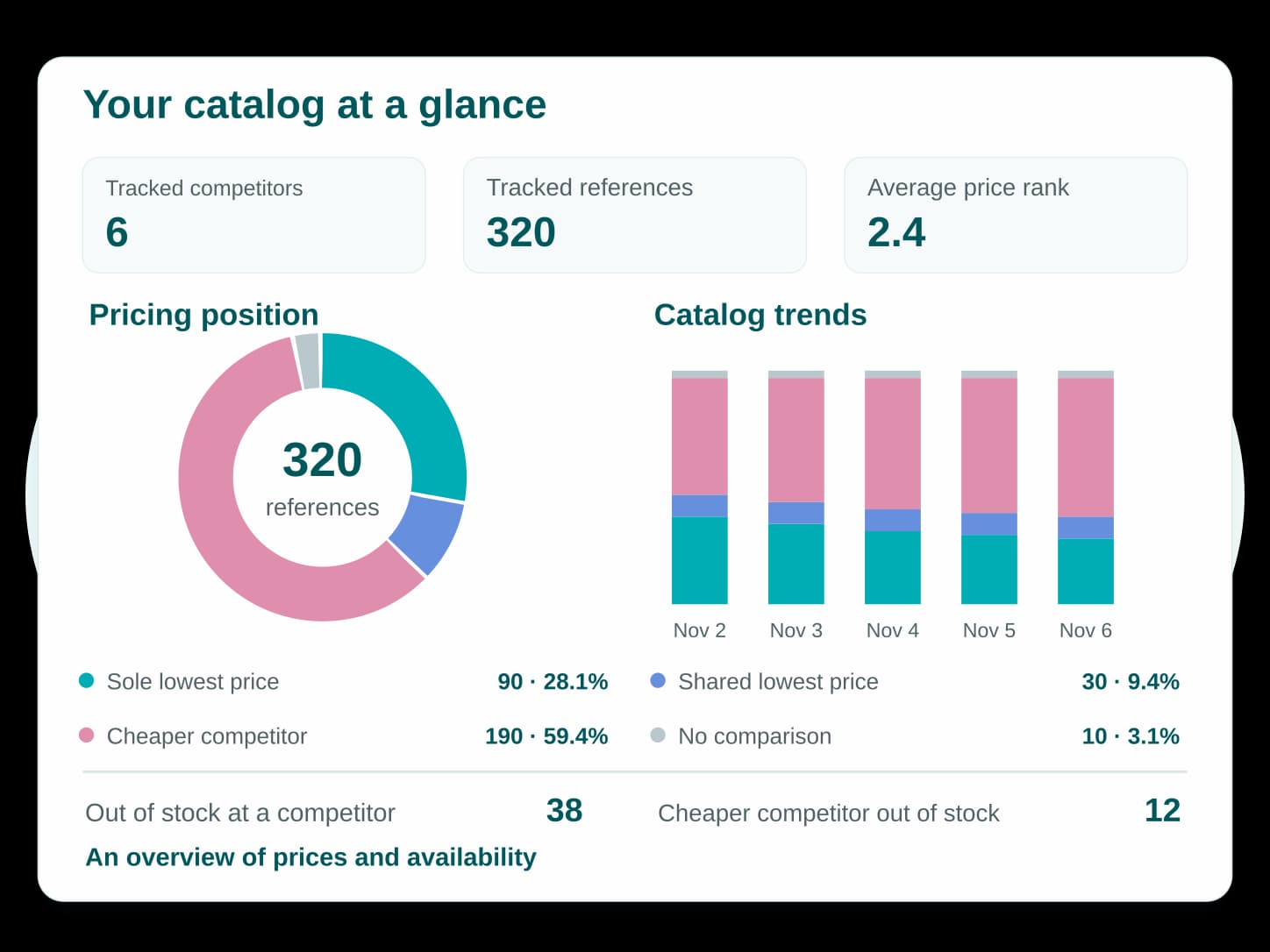
Get an overview of your competitor monitoring
See the products you track, your price positioning and your latest alerts in one dashboard. Follow the current breakdown of your catalog and how it changes over time.
Stock availability metrics show which products are out of stock at a competitor and which are out of stock at a competitor offering a lower price than yours.
FOUR REPORT TYPES
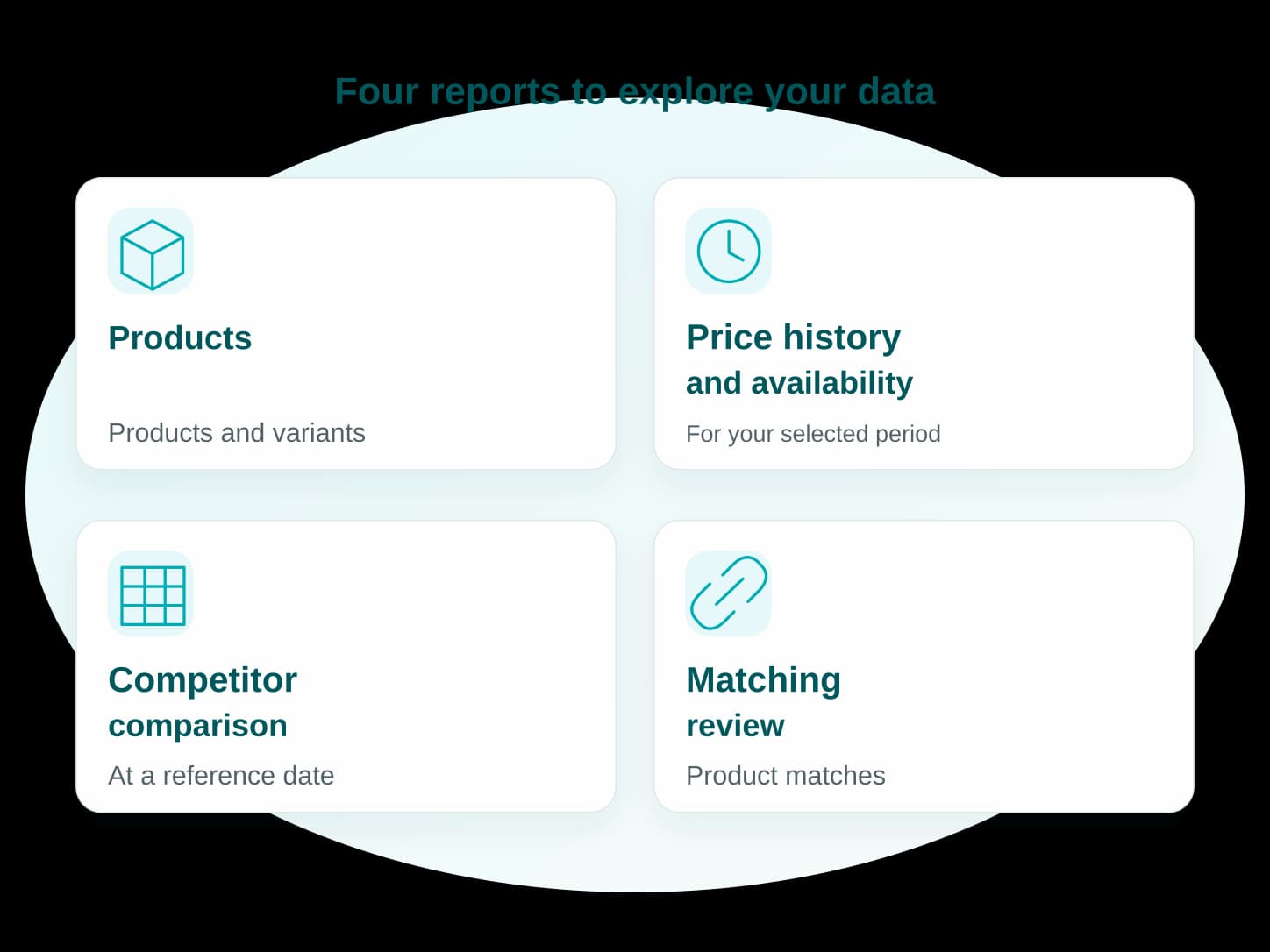
Choose the right report for the job
Access product and variant details, price and stock availability history, competitor comparisons and product matching review data.
Choose a report to analyze a date range, compare offers on a specific date or review your product matches.
DATES, STORES AND COLUMNS
Create the reports you need
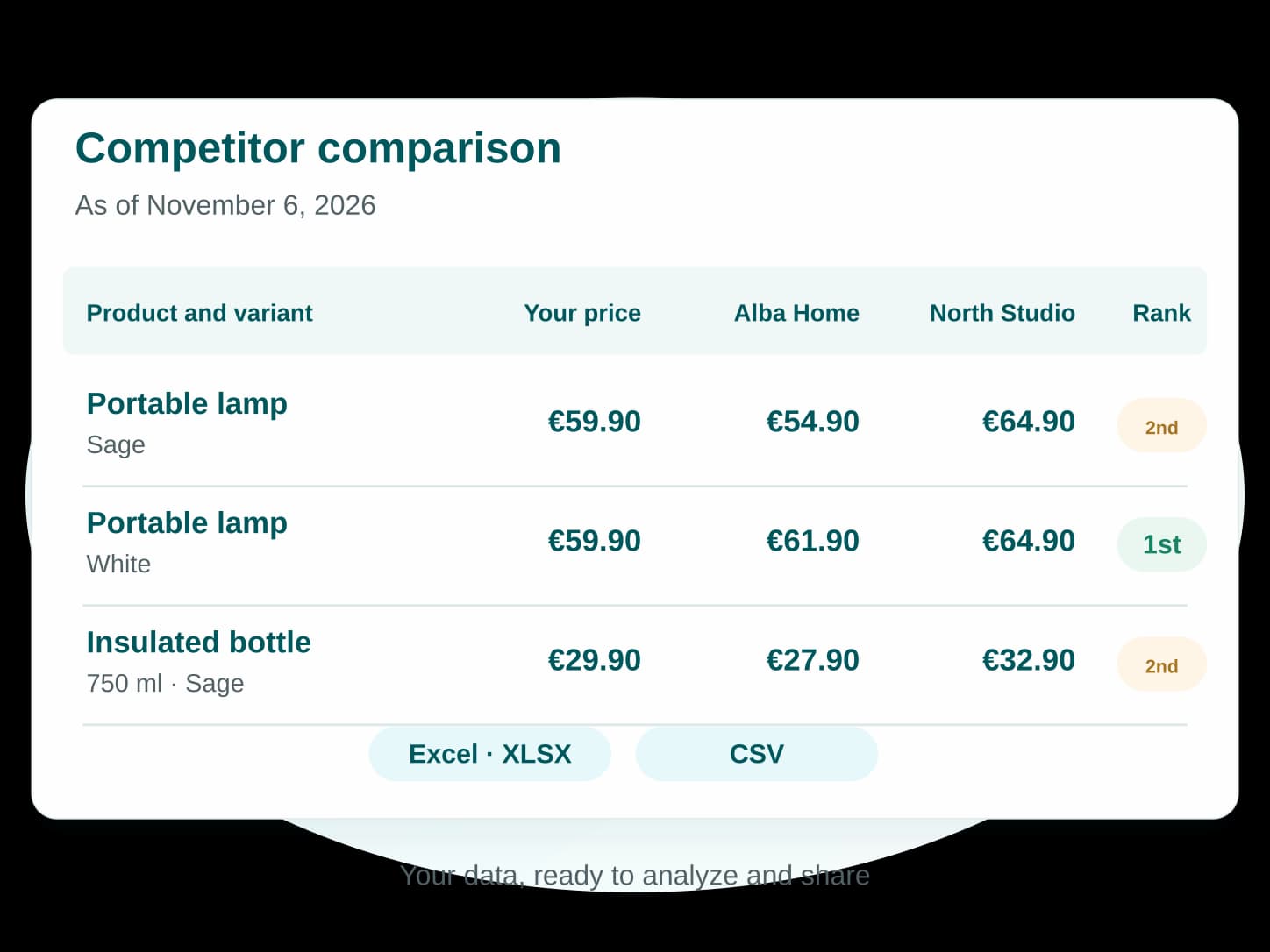
Choose your dates, stores and columns. Export reports to Excel or CSV for further analysis or to share them with your team.
Get the data you need in a format that works with your usual tools, without rebuilding comparisons by hand.
What information can I find on the dashboard?+
The dashboard shows key monitoring metrics: competitors and products tracked, price positioning, price rank and stock availability. Recent alerts help you spot changes that need a closer look.
What types of reports can I generate?+
PriceStratedge offers four reports: Products, Price and Availability History, Competitor Comparison and Matching Review. Use them to explore product data, track changes, compare offers and review product matches.
Can I customize my reports?+
Yes. Depending on the report, choose the stores, columns and dates to include. Select a date range for price and stock availability history or an as-of date for competitor comparisons.
Can I view historical data directly in PriceStratedge?+
Yes. View price and stock availability history, as well as changes in your price positioning and price rank, directly in PriceStratedge. The charts show how these metrics change over time without requiring a file export.
Can I export my reports to Excel or CSV?+
Yes. Generate a report on demand, then download it in Excel or CSV to analyze it in your usual tools or share it with your team.
GET STARTED FOR FREE
Your data, ready to analyze
Use your dashboard and build reports to inform your business decisions.